

1. Register an Account
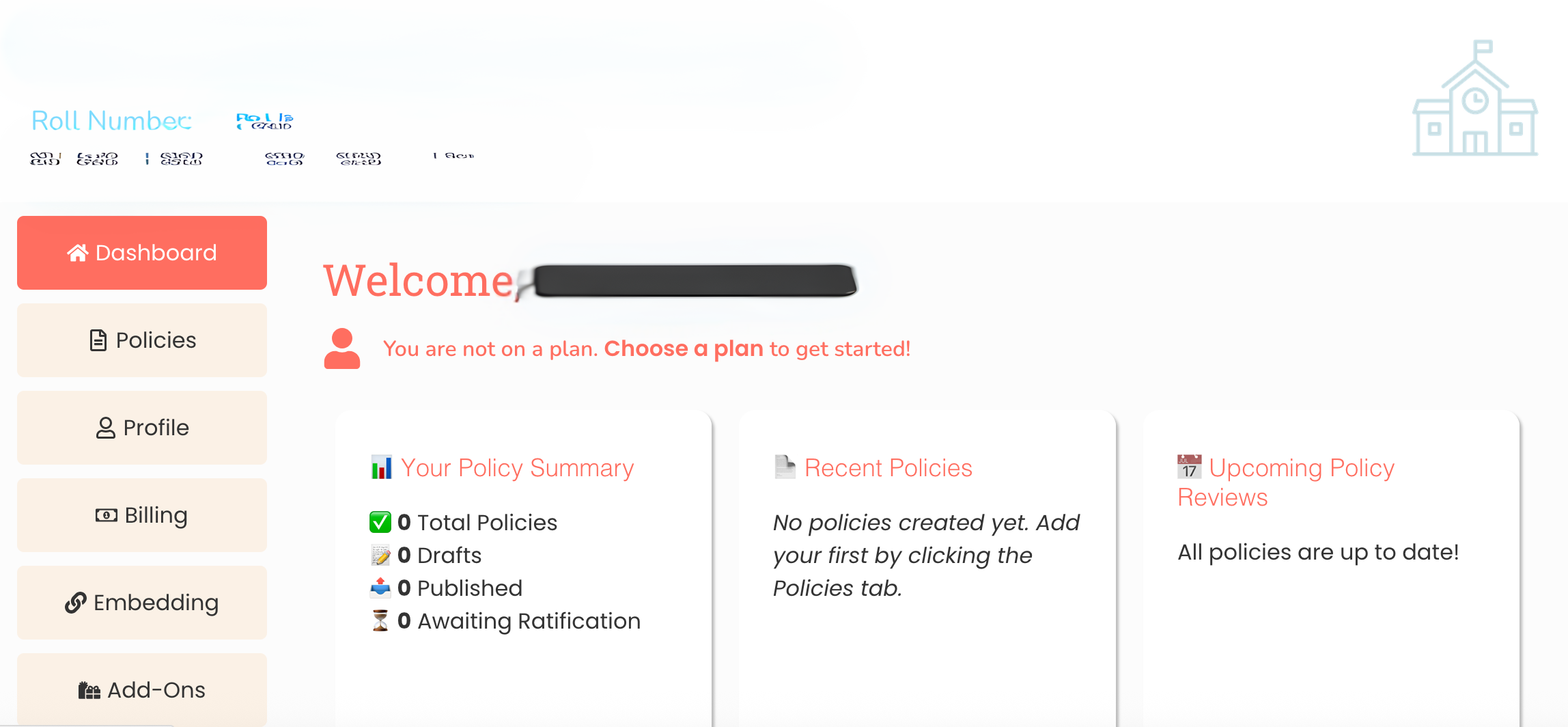
We've designed the registration process to be simple. We're using the Department of Education database to help fill out most of the details. Simply type in your roll number and check the details. You can also upload your school logo and some other details.
2. Sign up to the Free Plan
When you register on SchoolPolicy.ie, you need to choose a plan. The free plan will be enough to test out the platform. To do this, click Dashboard then under the title, you'll see a link to sign up to a plan.

3. Create a Policy (or three!)
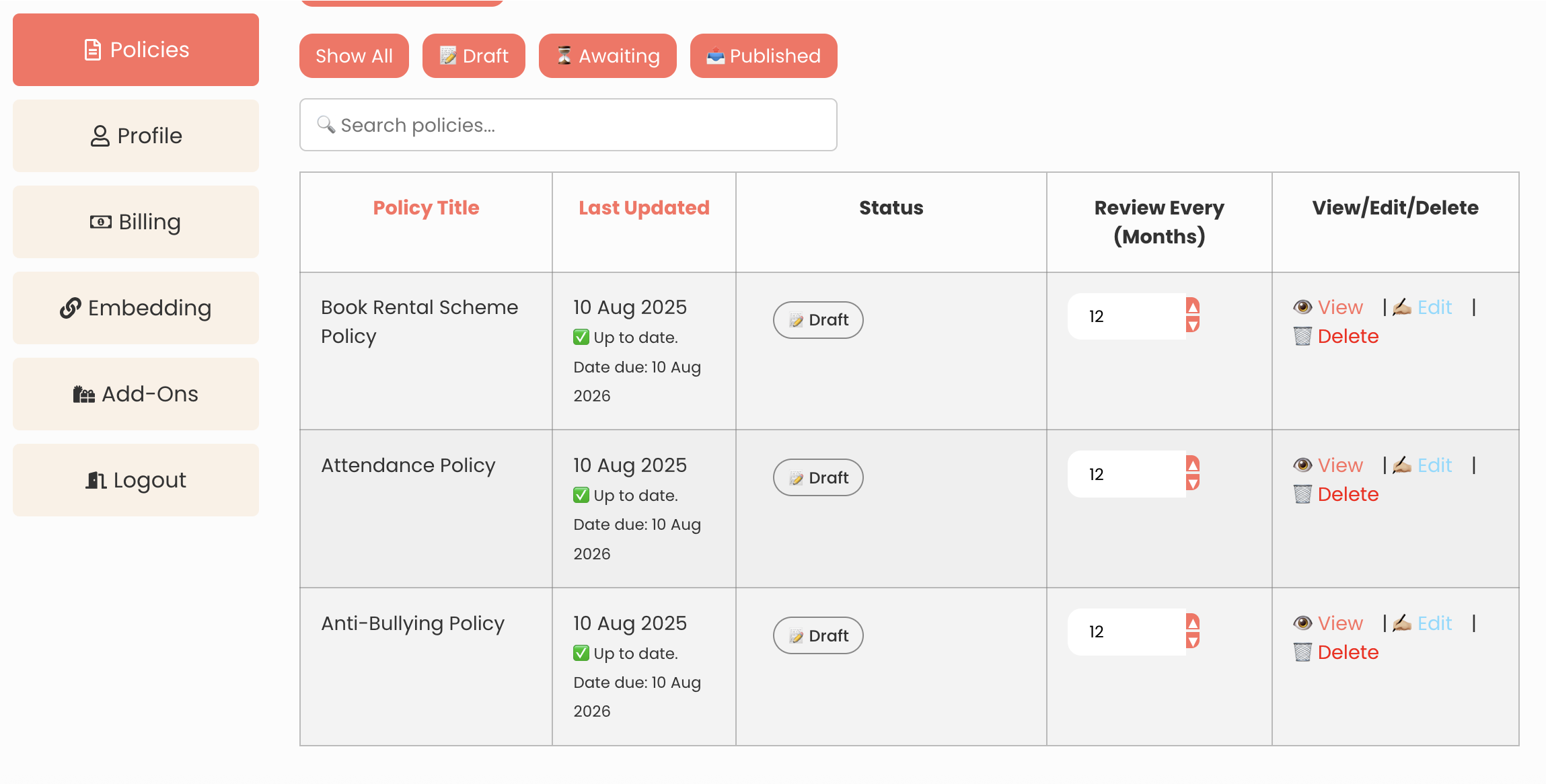
Click on the Policies Tab and you'll be able to see the screen which lets you add policies. Click the button and choose a policy to add. Please note at this pilot phase, only a handful of policies have been added, generally those beginning from A to E.
When you choose a policy, you should be met with an instant draft policy, which will be personalised for your school, including its name and other data. You can edit this to suit your school's needs or you can copy some of our tailored snippets and paste them in. Once you're happy, you can save your policy. It will automatically be set as a draft and timed for review in 12 months.
4. Publish the Policies
In the policies tab, you'll notice that any saved policies will be automatically assigned as draft policies. You'll also see that they are set to review every 12 months. Set all 3 policies to Published and Ratified, and set one of the policies to review every 1 month.
5. Your School's Public Page
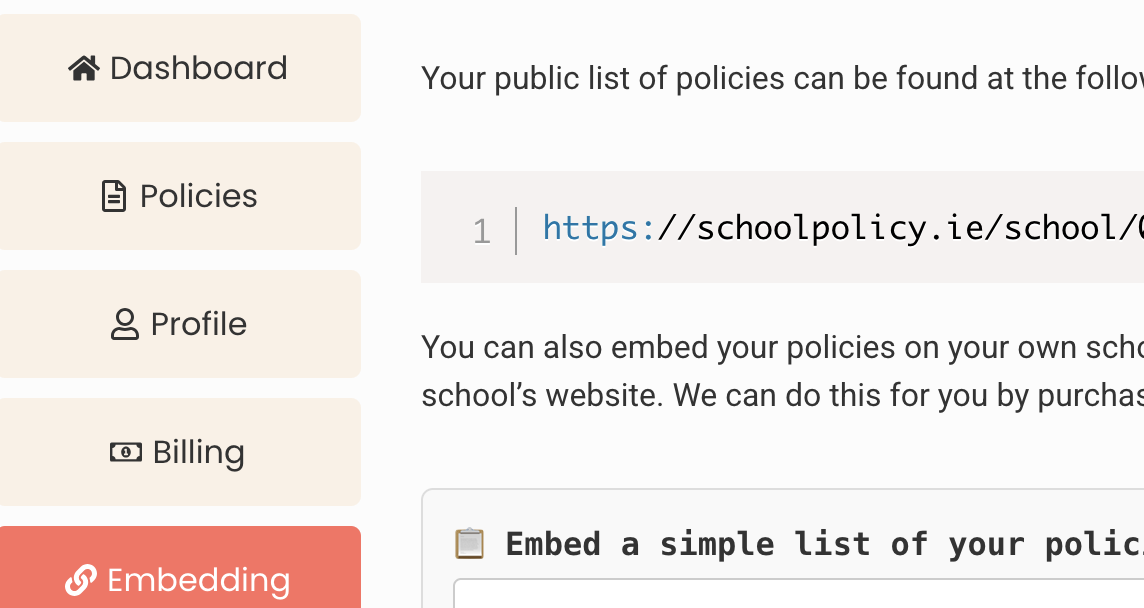
Go to the Embedding tab and you'll see your school's unique public page for for published policies. Copy the link and open a browser tab and see it in action!

6. Check your Dashboard again!
Go to your Dashboard and notice the top 3 tabs. You should see how many policies that have been written, your most recent policies, and any policies that need to be reviewed. If you set one of the policies to 1 month review, you should see it there! Clever, huh?

7. Complete your Profile and Logout
If you wish, you should visit the Profile page to add your school logo, any incorrect information, and so on. You can then logout. For an extra treat, go to the Logout tab and you'll find an inspiring quote about policies and administration 🙂