From draft to ratified
Every policy moves through the same three steps. You stay in control of when it goes to the Board, and nothing reaches your website until it’s ratified.
Step 1:
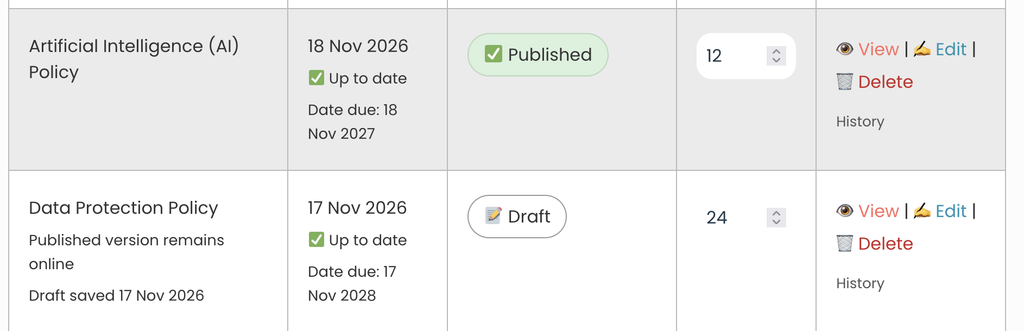
Every policy once it’s written is saved as a Draft and labeled so in the dashboard. The next stage is to send it to the Board for ratification.
Step 2: Send to Board to Ratify
When you click to change the draft to For Ratification, you have the option to send it to your board. The video below explains the steps. Please note nothing is published on your site while this is happening.
Step 3: Published
Once the Board have ratified the policy, you change the status to Published and it is ready for your school website.